Your brand’s videos, made and published every week.
Vlick finds ideas in what people are watching, writes the script, records the voice, builds the visuals, edits the cut and schedules it on YouTube, Facebook, Instagram, Threads and TikTok. People on your team approve each step.
The trial includes 30 credits, enough for 3 short videos.
- Idea
- Script
- Voice
- Visuals
- Edit
- Approval
- Publish
How it works
Four steps from an empty workspace to a posting schedule.
- 01
Set up a channel
Give it a name, an audience and a language, then add your brand kit: logo, colors, fonts, voice and music. Connect the accounts it posts to.
- 02
Pick ideas
Vlick suggests topics from this week’s trends in your niche, with a credit estimate for each. Add your own ideas, or upload footage to start from.
- 03
Vlick makes the video
Script, narration, visuals and edit, in your channel’s style. You can follow every stage and step in at any point.
- 04
Approve and publish
Reviewers approve the plan and the final cut. Vlick posts at the times you set, per platform and per language.
Three kinds of material in one video
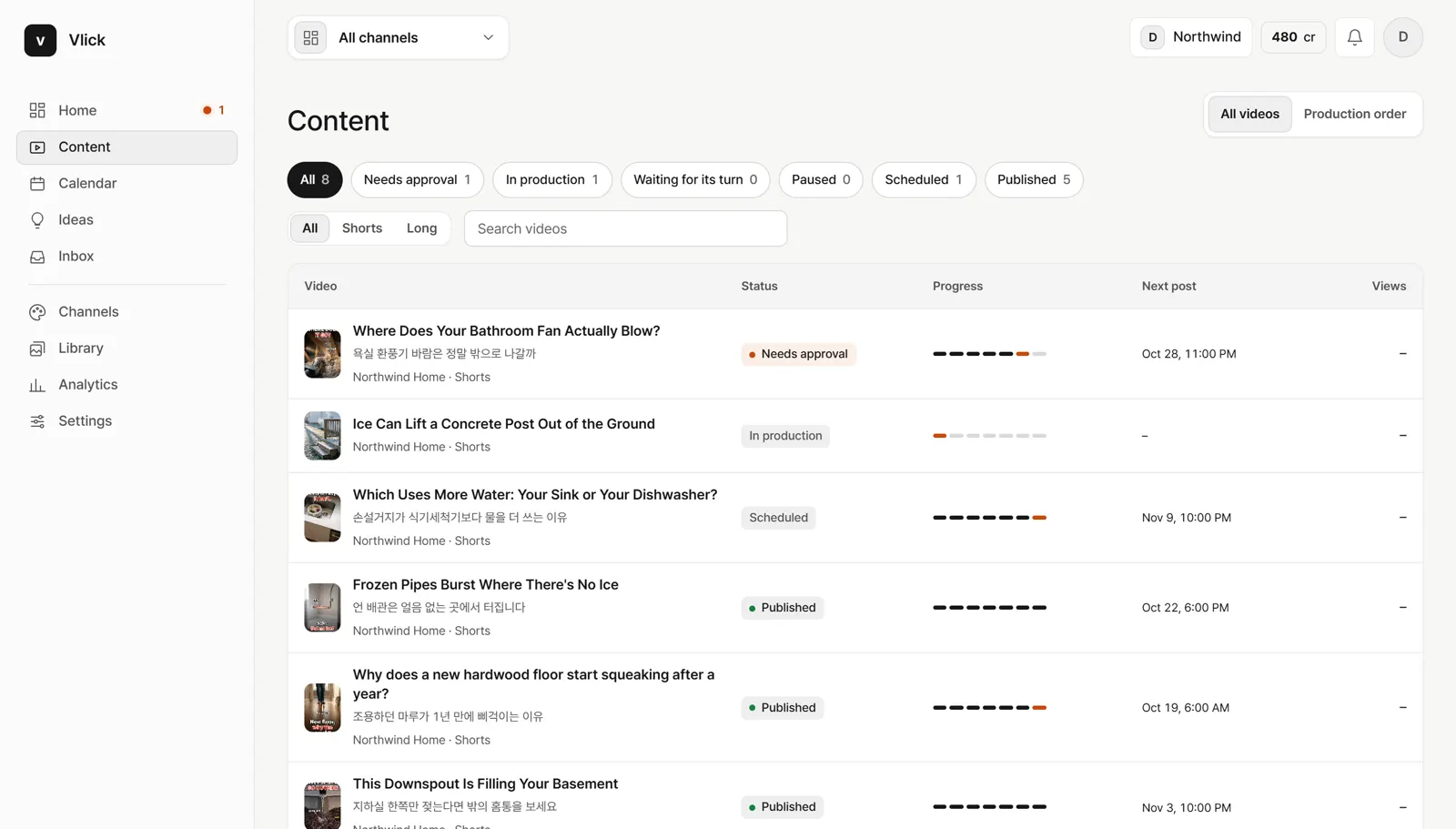
Most brand videos need more than one source. Vlick mixes them in the same edit.
Public and social media
Clips, photos and posts from public sources, each with its source recorded so you can check it before you publish.
Your own footage
Upload from a phone or a camera. It stays in your library and can go into any video.
AI generation
Generated scenes and images where you have no footage, made to match your channel’s look.
Three levels of finish
- Draft
Fast versions to test an idea, a hook or a format.
- Finished
Checked against your style guide and fact-checked before it reaches your reviewers.
- Premium AI
Scenes from the strongest video models, for the posts that carry a campaign.
The workspace
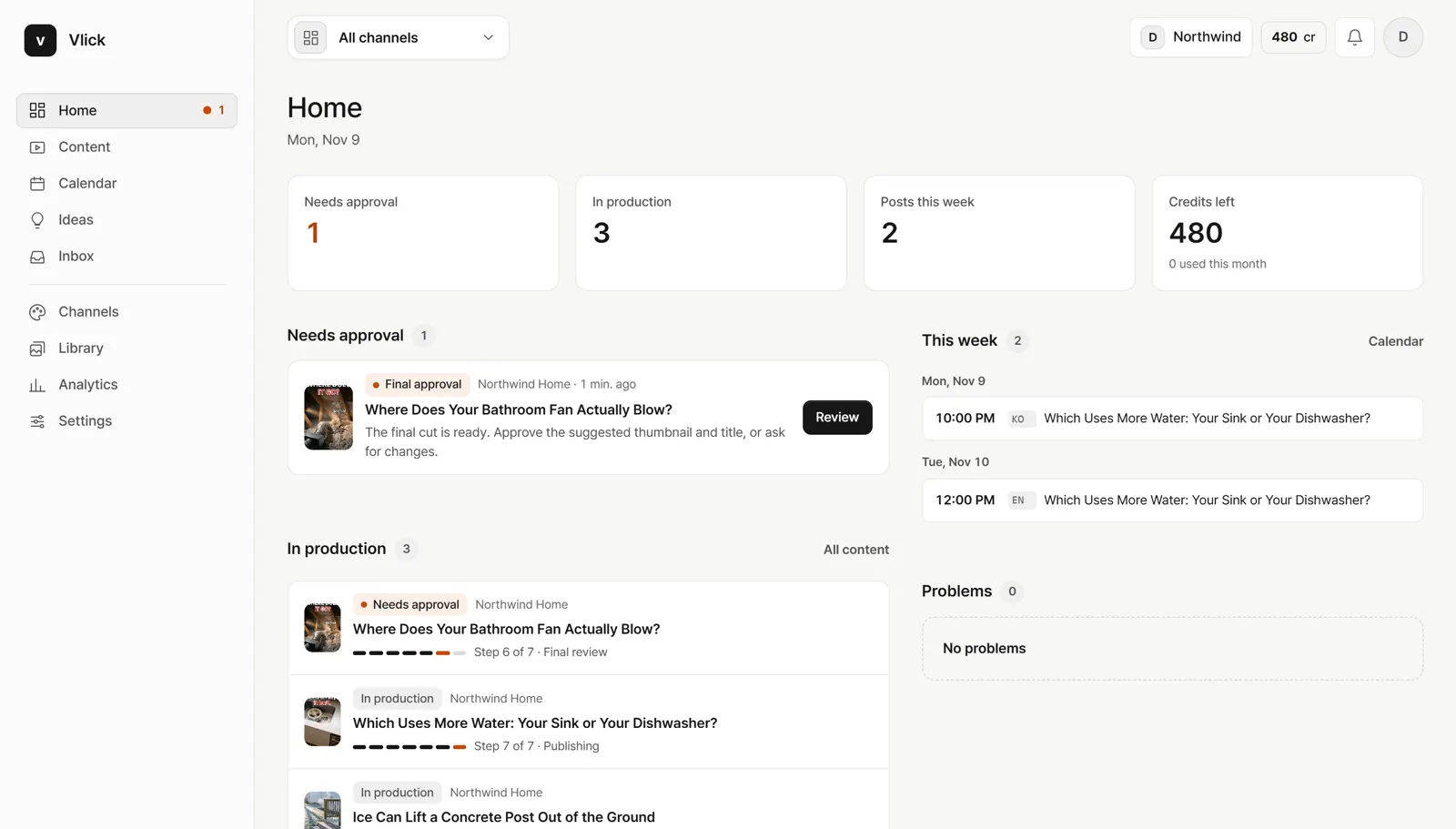
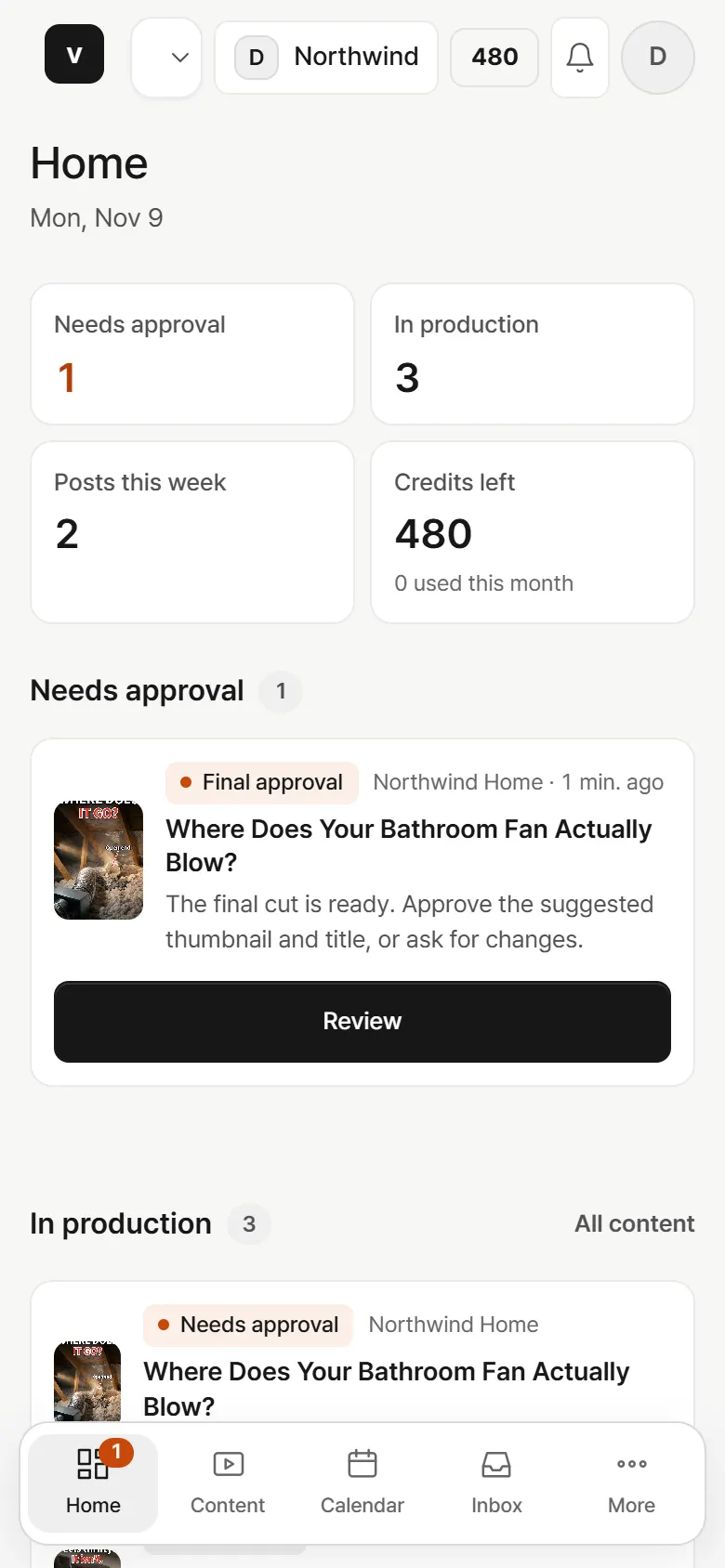
Everything your team needs to decide is on one screen: what waits for approval, what is in production, what posts this week.
Made for the people who run brand channels
For agencies
Run many clients without many tools.
- A workspace per client and one switcher for all of them
- Client review links: clients watch, comment and approve without a seat
- Roles for account managers, editors and reviewers
- Plans and credits per workspace
- Your own AI vendor keys and your choice of models
For brand social teams
Post every week without a production queue.
- Your brand kit and style guide in every video
- Approval steps you set per channel, with several reviewers
- One calendar across platforms and languages
- Analytics that suggest what to make next
- More languages from the same video
Change anything before it goes out
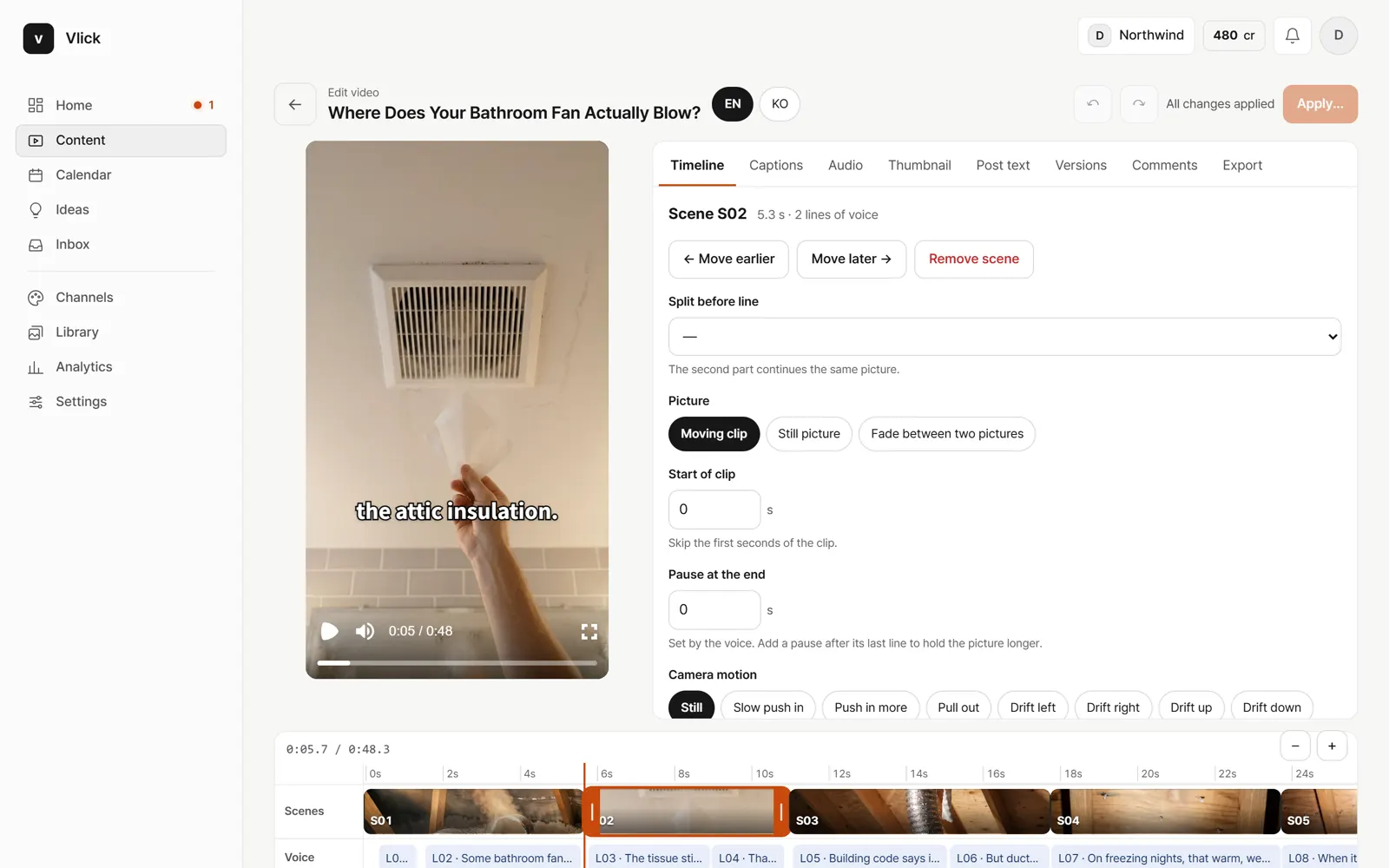
Every part of a video stays editable: the lines of the script, the voice, each scene, captions, music, the thumbnail and the post text. Small changes apply right away. When a change needs new generation, you see the credits first.
- Reorder, trim or remove scenes on a timeline
- Rewrite one line and re-record only that line
- Swap a scene for your footage, a still or a new AI clip
- Keep versions and go back to any of them
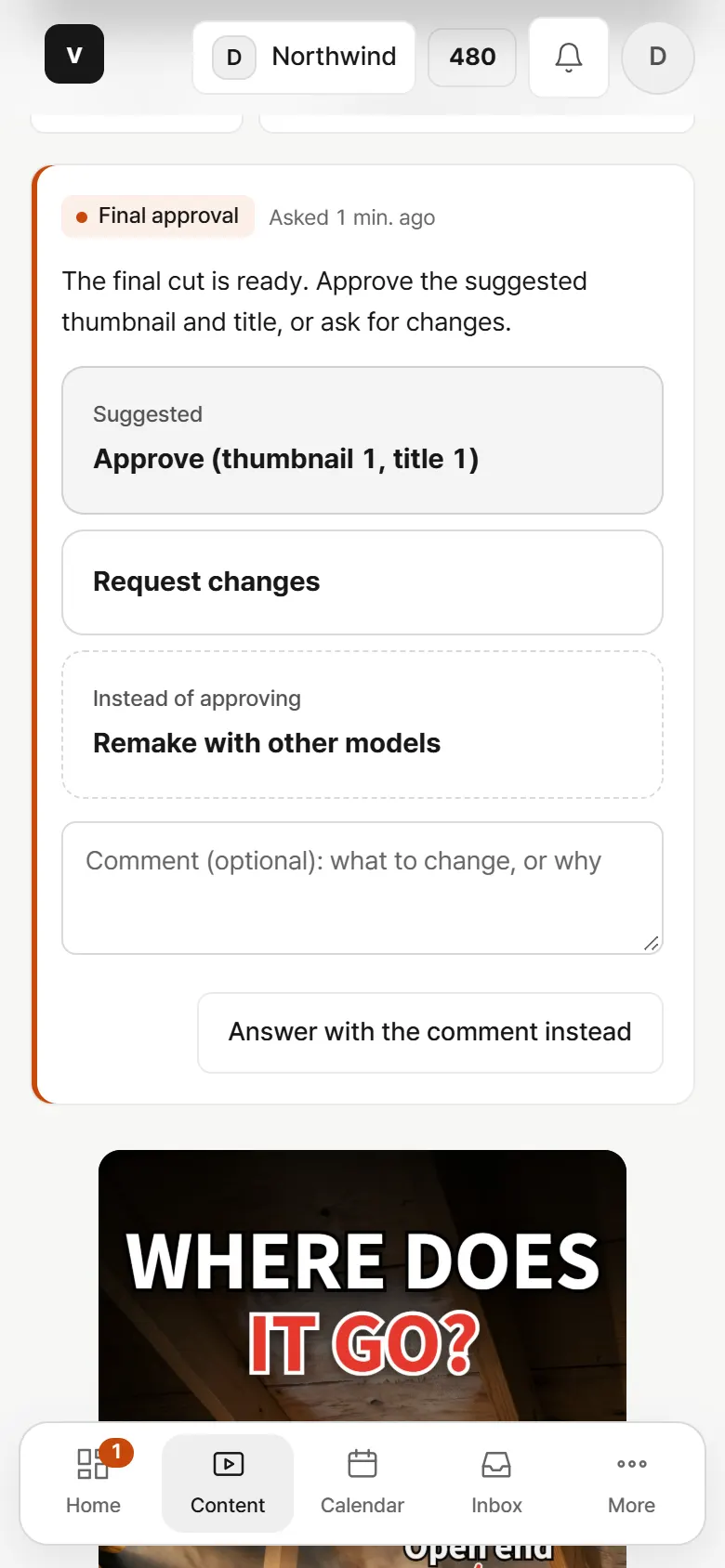
Approvals that fit how you already work
Choose who approves the plan, the final cut and the post. Reviewers get an email and can approve from a phone. Asking for changes sends a note back, and a new version comes back for review.
Client review links
Send a client a link to one video or a batch. They watch, comment and approve without signing in, and the link expires when you choose.
Roles
- Owner
- billing and everything else
- Admin
- team, channels, accounts, keys
- Editor
- ideas, videos, schedule
- Reviewer
- approve, request changes, comment
- Viewer
- read only
Publishes where your audience is
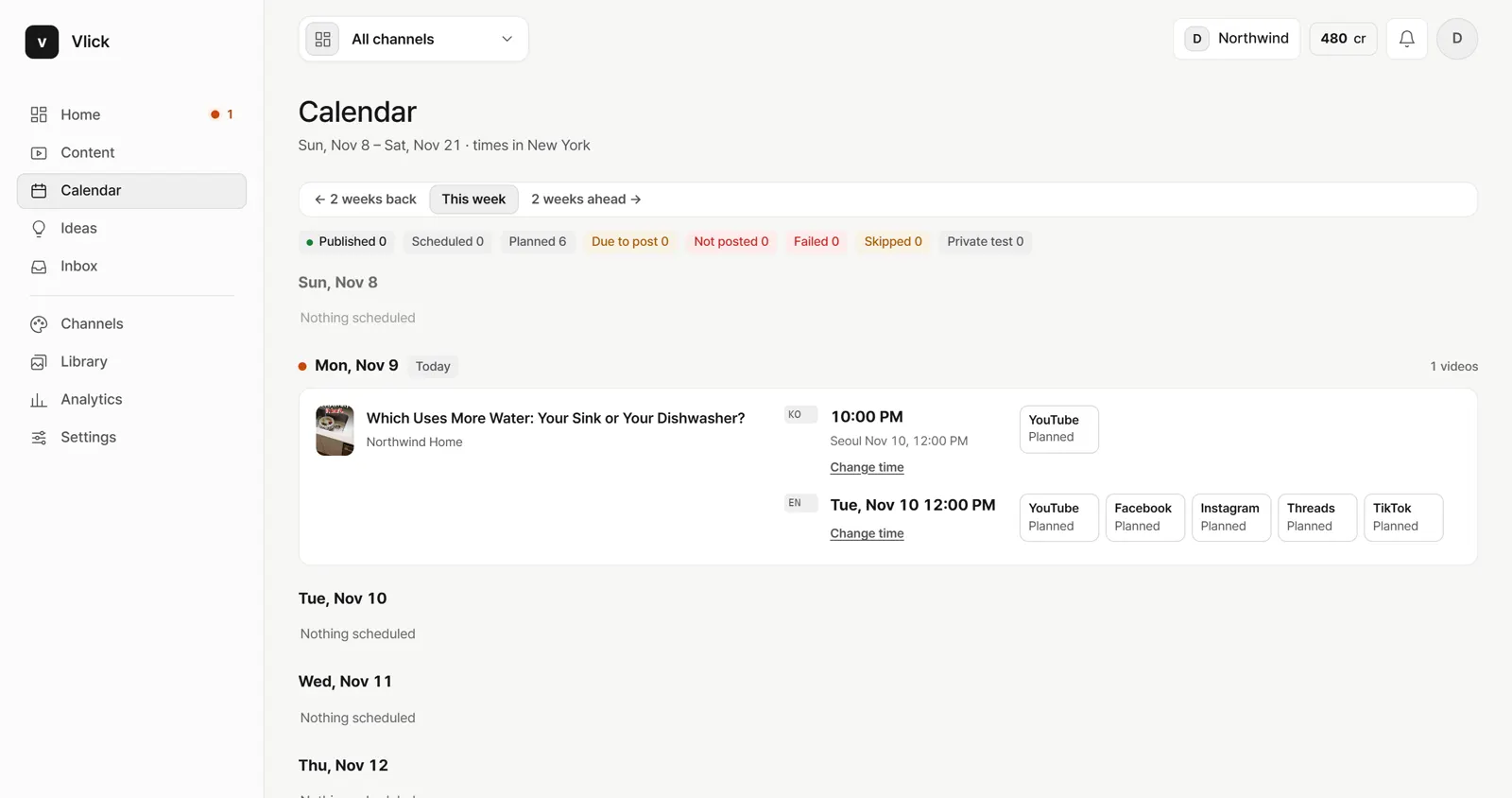
Shorts, Reels and long videos. Each platform gets its own post time, title and description, in each language.
- YouTube
- Threads
- TikTok
Questions
Who is Vlick for?
Agencies that run social video for their clients, and in-house teams that run their own brand’s channels. One person can run a channel; larger teams split the work by role.
Do we need to film anything?
No. Vlick can make a video from public material and AI generation alone. Your own footage makes it more yours, and you can add it at any time.
Does anything post without our approval?
No. A video is published only after the final approval in your workspace, by someone whose role allows it.
Who owns the videos?
You do. You keep ownership of what you upload and of what Vlick makes for you.
Can we use our own AI accounts?
Yes. Add your own API keys for the AI vendors in Settings and choose which models each step uses.
Which languages?
The app is in English and Korean. Videos can be made in several languages from the same edit; your plan sets how many.
How does pricing work?
A monthly plan includes credits. A finished short uses 10 credits and a long video 40, charged when you give the final approval. See pricing for the details.
Start your first channel this week.
Set up a channel, pick an idea and see the first draft.